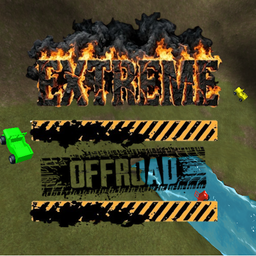
e
-
Playing
0
-
Visits
44
-
Created
7/20/2026
-
Updated
10/25/2026
-
Max Players
8
-
Genre
All
-
Allowed Gear
None
-
Int64 Badge (Warfare Tycoon)
int64 test fixture
-
Rarity
0.0% (Impossible)
-
Won Yesterday
0
-
Won Ever
0
-

Int64 Game Pass (Warfare Tycoon)
5

-
Create a VIP Server for Free?
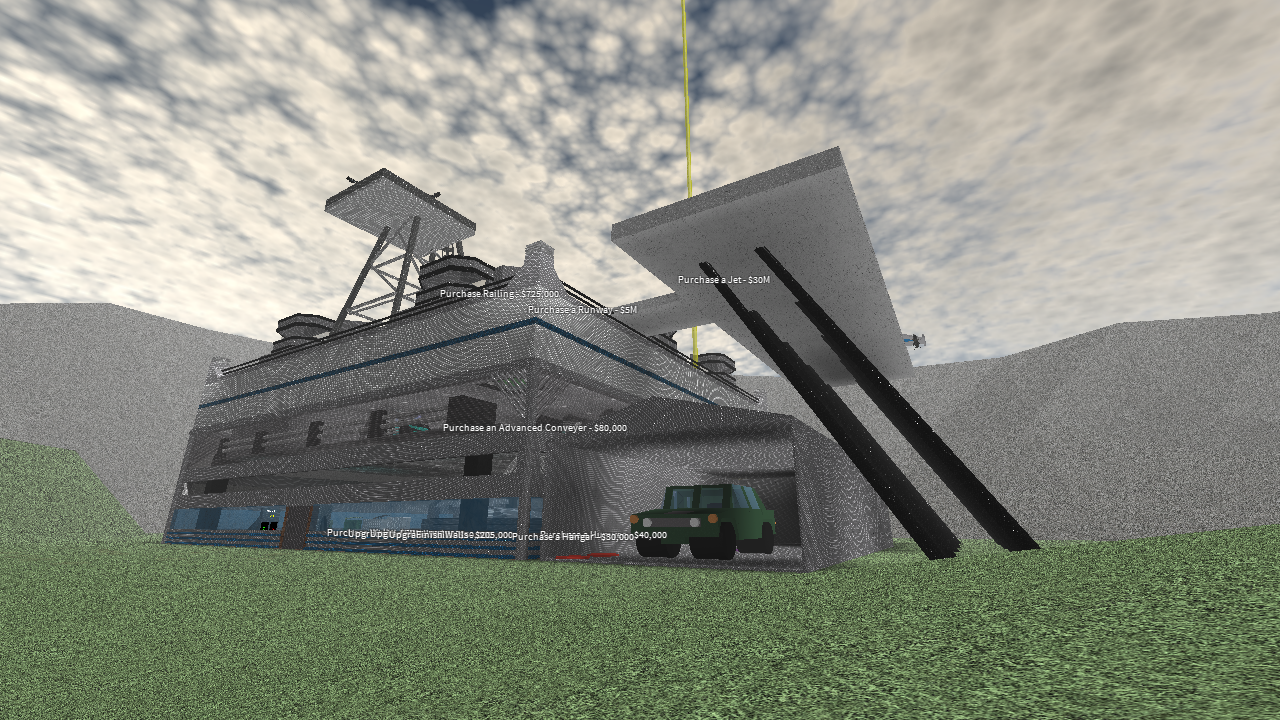
Game Name Warfare Tycoon
Create VIP Server Play this game with friends and other people you invite.
See all your VIP servers in the Servers tab.
x of y players max
Slow Game
Payment Cancelled
This Server has been deactivated. We were not able to process the recurring payment due to insufficient funds in your account.
Inactive.
Renew Join x of y players max
Slow Game
Join x of y players max
Slow Game
Join Starting Roblox...
Connecting to Players...
Check Remember my choice and click  in the dialog box above to join games faster in the future!
1
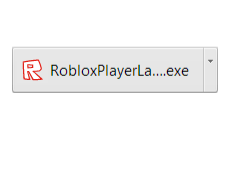
Click RobloxPlayerLauncher.exe to run the installer, which just downloaded via your web browser.
2
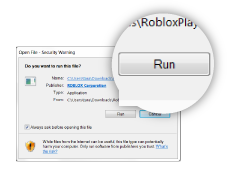
Click Run when prompted by your computer to begin the installation process.
3
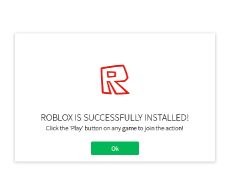
Click Ok once you've successfully installed ROBLOX.
4
After installation, click Play below to join the action!
The installer should download shortly. If it doesn't, start the
download now.